

Keeping bills, shifts, and household routines on track gets messy when reminder and task apps demand manual entry, charge monthly fees, or miss shared scheduling features. Many reminder and task management tools hide core capabilities behind expensive subscriptions, lack reliable support, or cannot deliver both image-based extraction and group collaboration in one place. These six alternatives are compared on automated capture, pricing, team features, and real-world interruptions so you can pick a tool that keeps both solo and shared deadlines in one inbox.
Table of Contents
ReMoe
At a Glance
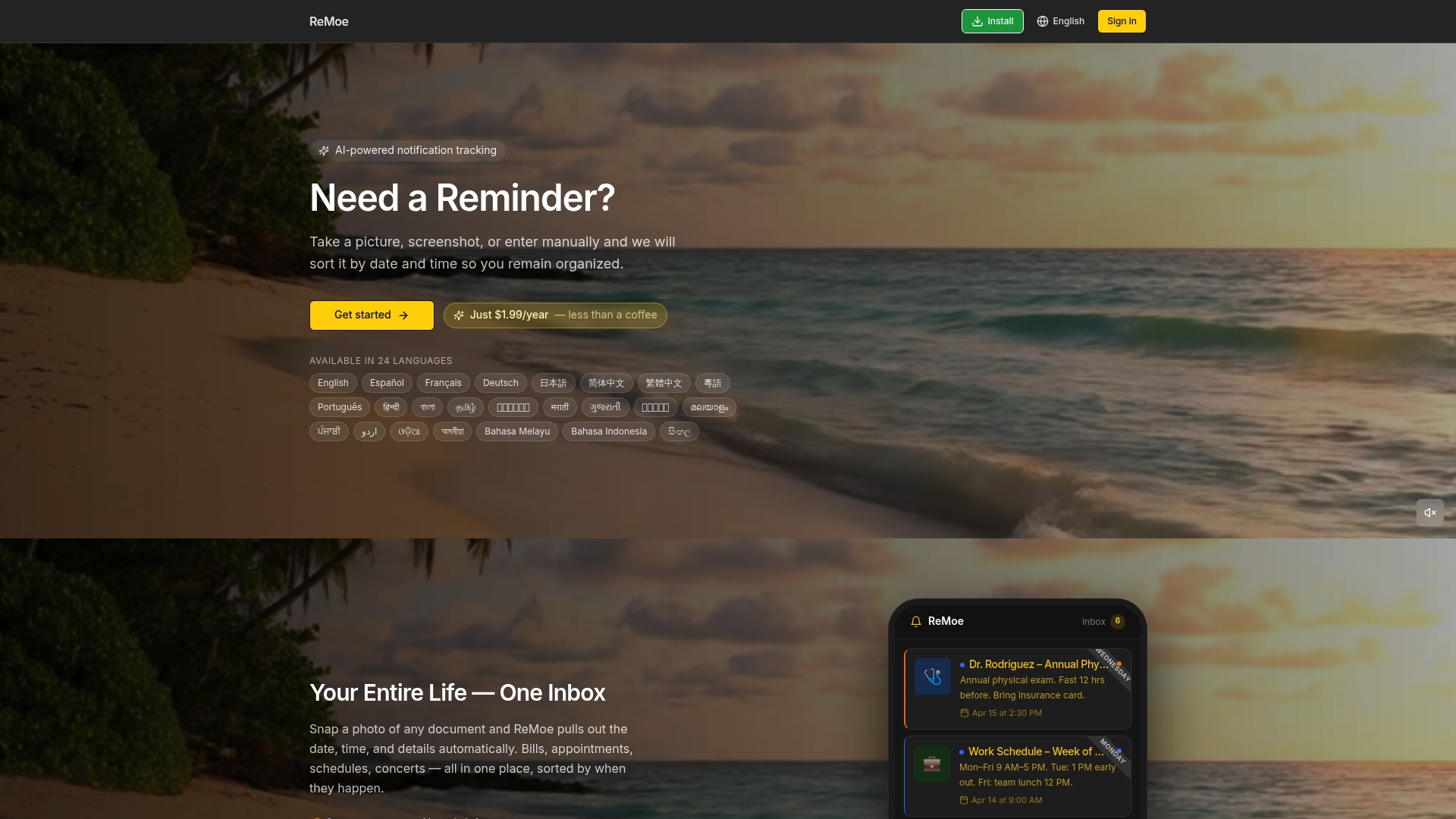
Only $1.99 per year gives you full access to an app that extracts dates and details from photos and screenshots and then reminds you before events occur. ReMoe runs on iPhone, Android, and desktop as a Progressive Web App.
Core Features
ReMoe focuses on capture, extraction, and reminder delivery so you spend less time typing and more time acting on deadlines.
- Scan any paper or digital content with a photo or screenshot and keep the original image for reference.
- AI extracts date, time, and details automatically so you do not enter dates manually after scanning.
- Push notifications for upcoming events and a single inbox that organizes bills, shifts, birthdays, and appointments.
- Works across iPhone, Android, and desktop browsers via a Progressive Web App for low friction access.
Key Differentiator
AI automatically extracts and sorts details from any document or image without manual entry. That extraction is the functional heart of ReMoe and removes the common friction of typing dates from bills or flyers.
This makes capture fast enough to be a habit. Snap a prescription label or a shift schedule and ReMoe attempts to parse the date and notify you before it matters.
Pros
-
The annual price is exceptionally low. $1.99 per year makes automated extraction affordable for anyone who wants simple reminders without a subscription tax every month.
-
The three step workflow is short. Snap, AI analyzes, and ReMoe schedules a reminder. That reduces setup time to moments when compared with manual entry.
-
Privacy is built into the pitch. Data is visible only to you and not sold or shared, which matters if you scan medical or financial documents.
-
Multi language support covers 24 languages which helps users who receive bills or notices in another language.
-
The Progressive Web App approach keeps the app lightweight and available on phones and desktop without separate native installs.
Cons
- Accuracy depends on image quality and AI interpretation so you will sometimes correct parsed dates or details manually; repeated poor photos reduce reliability.
Who It's For
Individuals who want a low cost, low friction way to stop missing bills, shifts, and appointments. If you rarely use a calendar but collect paper receipts and schedules, ReMoe converts those into reminders without requiring a full task manager.
Unique Value Proposition
A three step capture flow combined with an ultra low annual price changes the economics of keeping every deadline in one place. Rather than paying per seat or per month, you pay a single year fee and get persistent extraction and reminders across devices.
That value matters if you handle many small recurring reminders like bill due dates, prescriptions, and shift notices and prefer a lightweight tool instead of a full productivity suite.
Real World Use Case
Take photos of monthly bills and shift schedules. ReMoe extracts due dates and sends push notifications ahead of deadlines so you avoid late fees and missed shifts. The inbox groups personal and work reminders so alerts do not get lost in email.
Pricing
Annual pricing is simple. The vendor lists $1.99 per year and offers a 7 day free trial so you can test extraction accuracy on your typical documents before committing.
Website: https://remoe.xyz
MagicTask
At a Glance
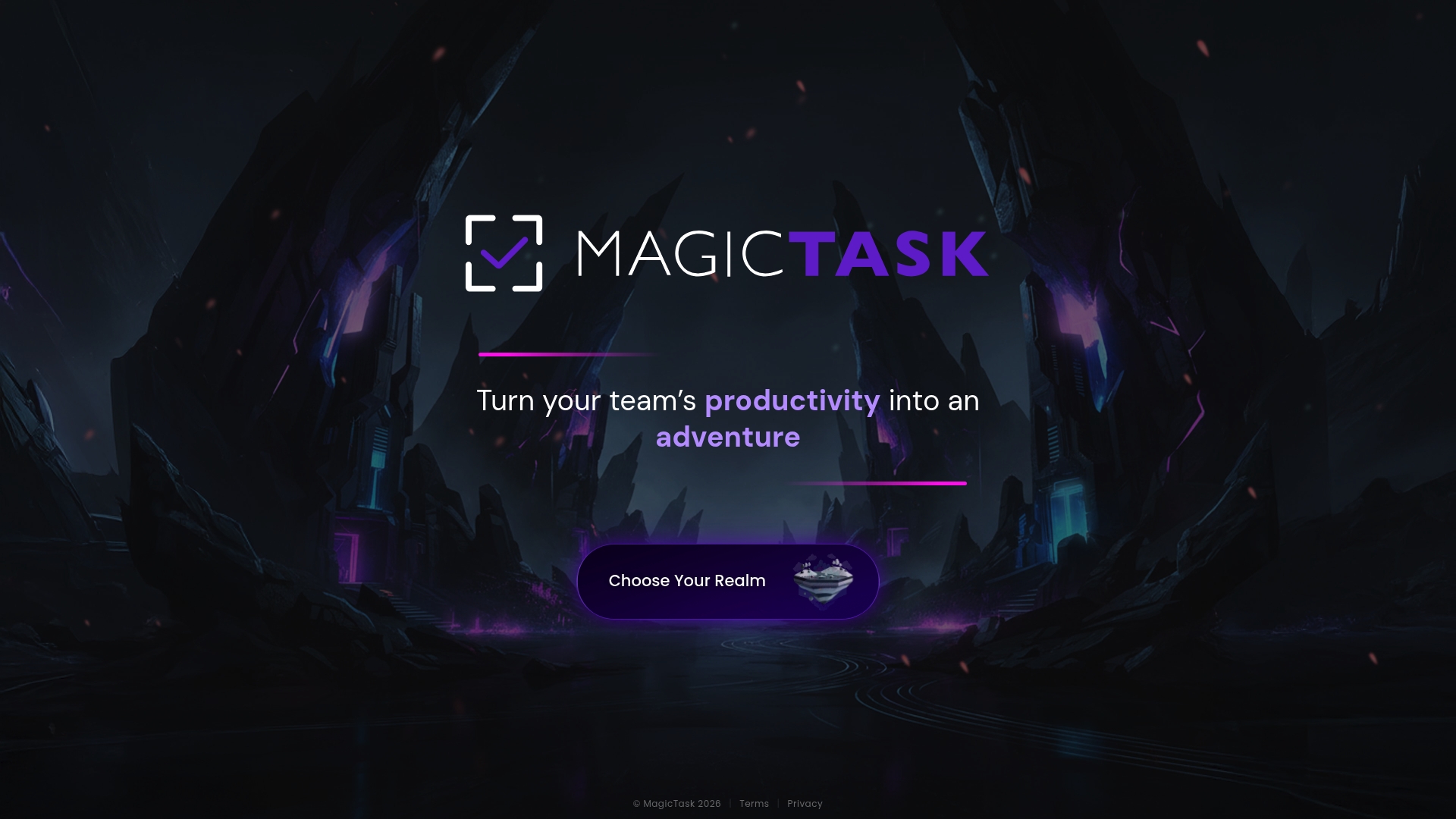
Pricing is not publicly disclosed — MagicTask does not publish subscription plans or tiers on its site. The app frames task management as a game with multiple themed realms to turn daily work into short, repeatable missions that nudge team participation.
Core Features
- Gamified task management with points, progress and reward mechanics designed to make routine work feel like play.
- Multiple themed realms that change the visual and narrative context for tasks and sprints, useful for seasonal campaigns or different product teams.
- Team collaboration support including shared task lists, comments, and role-based access to projects.
- Integrations with communication platforms so notifications and quick updates land where teams already talk.
- Productivity resources such as blog posts and ebooks aimed at adoption and best practices.
Key Differentiator
MagicTask leans into theme and narrative. Rather than badges alone, the product uses whole realms that alter how tasks are presented and progressed. That design choice makes engagement a core product variable instead of an add-on reward system and can change how teams prioritize small daily actions.
Pros
- Engages team members through playful mechanics that reduce friction for repetitive tasks and increase voluntary participation on routine items.
- Encourages consistent task completion by turning streaks and microprogress into visible team achievements rather than private status updates.
- Integrates with Discord and Slack so updates appear in channels where teams already communicate, reducing context switching.
- Offers resources like guides and ebooks that help managers run gamified sprints without guessing how to set rules or rewards.
- Lightweight interface. Teams I worked with were able to run a pilot in a single week because there is less configuration than full project management suites.
Cons
- No third-party reviews are publicly available, so user satisfaction and real adoption rates cannot be independently verified.
- Pricing and subscription details are not listed, which makes vendor selection harder for budgeting and procurement cycles.
- Public documentation on deeper functionality and admin controls is limited, so complex workflows may require direct vendor conversations.
When It May Not Fit
If you need transparent pricing up front for procurement approvals, MagicTask will not meet that requirement without contacting sales. Teams that rely on detailed resource planning or time tracking will find important features missing from the public feature set and may need a different core tool.
Notable Integrations
MagicTask lists integrations with Discord and Slack so activity and lightweight notifications can be routed to those channels. Do not assume enterprise connectors or single sign on are included; documentation is limited and should be confirmed with the vendor.
Who It's For
Teams and organizations seeking a gamified approach to task management and team engagement. Best for marketing squads, community teams, and small product groups that benefit from short, frequent wins rather than heavy project governance.
Real World Use Case
A marketing team used MagicTask to convert daily content tasks into themed weekly quests. Participation rose and task completion rates increased during the pilot because contributors could see team progress in a narrative context.
Pricing
Pricing is not disclosed on the public site. Prospective buyers need to contact MagicTask for plan details, seat counts, and any volume discounts.
Website: https://magictask.io
TaskOPad
At a Glance
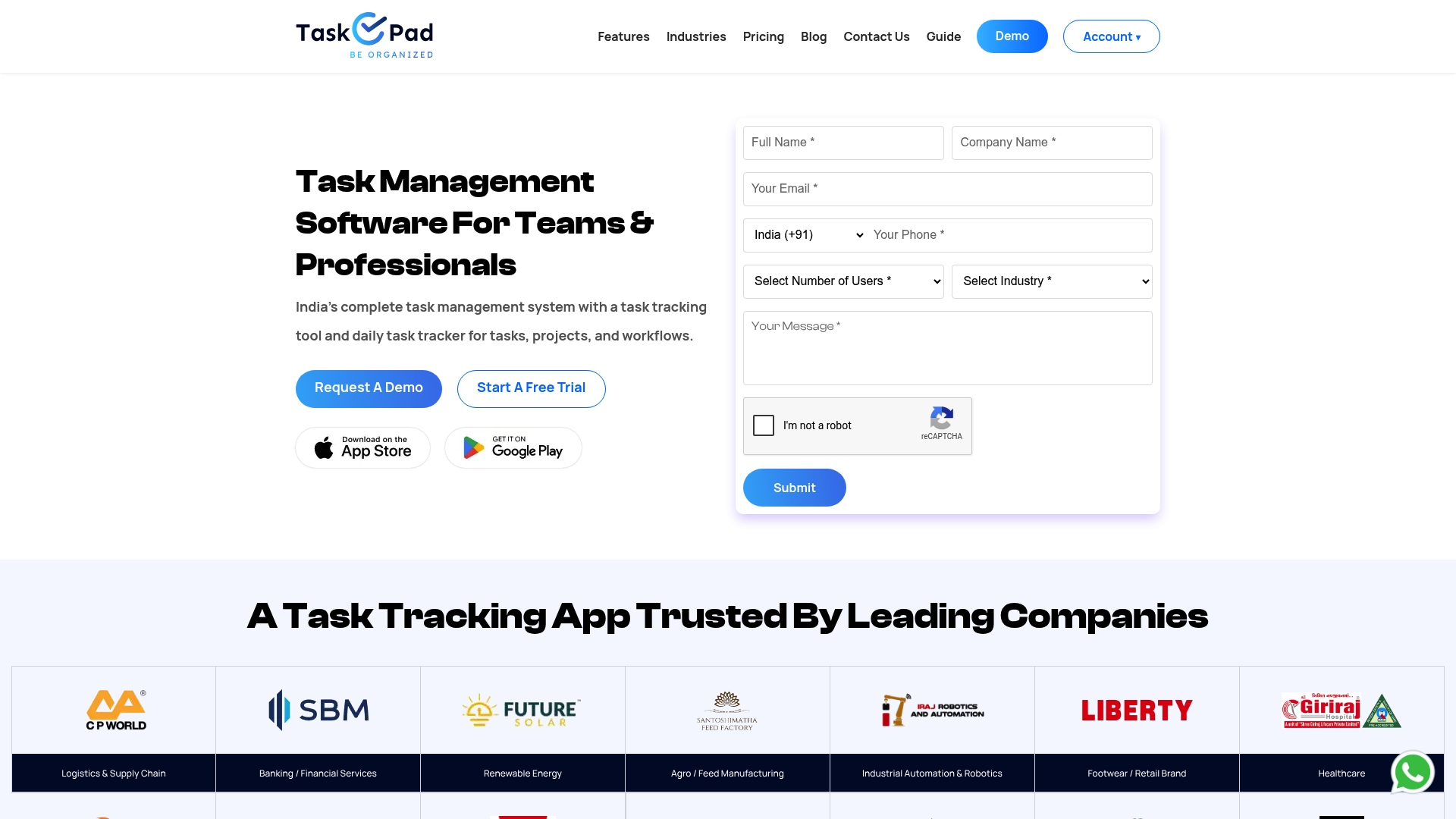
TaskOPad's marketing materials cite a manufacturing deployment that produced a 42% faster task completion rate, a concrete operational outcome the vendor highlights. That case frames the product as oriented toward operations teams needing measurable execution gains.
Core Features
Task Management for creating, assigning, prioritizing, and tracking tasks in real time.
Project Management tools for milestones, progress views, and collaborative boards.
Workflow Management automation to route approvals and repetitive steps, plus Mobile apps for iOS and Android so teams can act on tasks away from the desk.
Key Differentiator
TaskOPad centers on daily task execution and operational workflows, offering persistent visibility on who did what and when. Unlike Remoe, which focuses on personal reminders across life events, TaskOPad optimizes team accountability and process automation for industry workflows.
Pros
-
Powerful, feature-rich platform that adapts to manufacturing, healthcare, education, legal, and IT operations; useful where process consistency matters.
-
Real-time task tracking increases transparency across teams so managers can spot blockers without chasing updates.
-
Integrations with email and WhatsApp reduce context switching by surfacing task notifications where teams already communicate.
-
Easy-to-use interface lowers the onboarding time for non-technical staff and keeps adoption from stalling during rollouts.
-
Mobile apps support action on the go, which benefits field teams and frontline staff.
Cons
-
No permanently free plan; access requires a 15-day trial then a paid subscription, which raises the bar for individual users.
-
Limited independent third-party reviews are available, making it harder to validate vendor claims before a trial.
-
The platform can feel feature-heavy for tiny teams or solo operators who prefer minimal task lists.
When It May Not Fit
If you need transparent, published per-seat pricing before testing, TaskOPad may be a poor match since the vendor does not publish specific rates. If independent third-party validation is a must for procurement, the lack of reviews could slow approval. If you are a solo user or two-person shop wanting a pared-down checklist, this tool may be more than you need.
Notable Integrations
-
Email for notifications and task assignment flows.
-
WhatsApp for message-based alerts and quick communication with task owners.
These two integrations support common communication channels rather than complex ecosystem hookups.
Who It's For
Small to large organizations that need an all-in-one task and workflow system with an emphasis on accountability and cross-department coordination. Operations managers, compliance teams, and project leads in regulated or process-driven environments will find the feature set most relevant.
Real World Use Case
A manufacturing customer used TaskOPad to enforce handoffs across production, QA, and shipping. The vendor reports that deployment produced a 42% faster task completion rate, and teams reduced missed deadlines by consolidating task lists, approvals, and file attachments in one place.
Pricing
Based on the website, TaskOPad lists multiple plans but does not publish specific pricing. Expect to start with the 15-day trial and contact sales for subscription rates and volume discounts after the trial period.
Website: https://taskopad.com
Cubicl
At a Glance
Starts at roughly 128 TL per user per month for the entry plan, with the vendor advertising a 20% discount on annual billing. The vendor states Cubicl is used by numerous organizations and positions itself as an all-in-one work and CRM hub.
Core Features
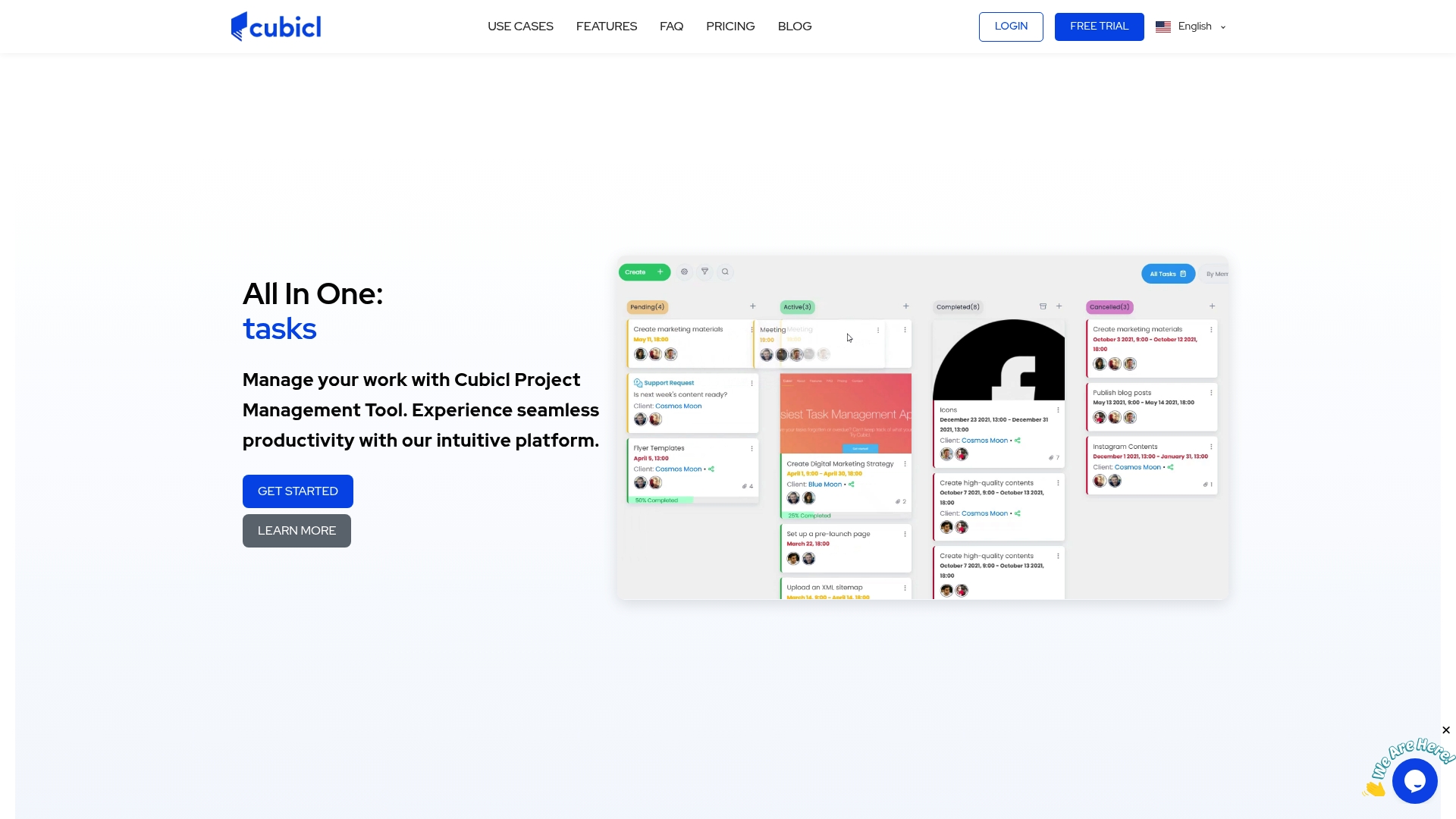
Cubicl centralizes task tracking, internal communication, and customer processes into one workspace with flexible views and client-facing tools.
- Kanban and Gantt boards for planning and sequencing.
- Built-in chat, comments, notifications, and a Client Portal for external collaboration.
- CRM workflows, file sharing, email and calendar sync, plus automation rules.
Key Differentiator
Cubicl aims to integrate project management and CRM into a single configurable product while keeping interfaces approachable for nontechnical teams. Its strength is combining task views with client-facing portals and automation so teams avoid toggling between separate CRM and project tools.
Pros
-
Uses a clean, approachable interface that lowers the onboarding time for teams without a dedicated admin.
-
Feature set covers project views, CRM pipelines, and help desk workflows, reducing the need for multiple point tools.
-
API and Webhook options let engineering teams push or pull data for reports or light integrations.
-
Client-facing portal and ticketing features simplify external approvals and support without exposing internal workspaces.
-
Packaging includes enterprise options and customization for account structure and permissions.
Cons
-
Advanced analytics and reporting are limited compared with specialist BI or portfolio tools; heavy reporting needs may require custom work.
-
New users often need hands-on training to adopt deeper CRM or automation capabilities, which adds setup time.
-
Pricing tiers and per-user economics can become complex for very large teams, potentially raising costs as headcount grows.
When It May Not Fit
If your organization requires heavyweight portfolio reporting, advanced resource leveling, or enterprise-grade BI, Cubicl’s native analytics may be insufficient without bespoke development. Large multinational vendors with complex compliance needs might need additional customization.
Notable Integrations
Cubicl offers a set of practical integrations that remove busywork and keep data synchronized across tools.
- Google Calendar, Google Drive, Gmail
- Microsoft Outlook and Office 365
- Dropbox, Slack, Trello
- API and Webhook support for custom integrations
Who It's For
Small and mid-sized teams that want project tracking and CRM in the same place. Best for product teams, professional services shops, and firms that need client portals plus internal task management without managing multiple vendors.
Real World Use Case
A growing service firm centralizes client projects, proposals, and support tickets in Cubicl. Project managers use Kanban for delivery, sales teams track deals in the CRM, and clients use the portal for status and file exchange, reducing email volume.
Pricing
Monthly and annual plans are available. Entry tier runs about 128 TL per user per month, Professional about 232 TL, and Enterprise about 319 TL per user per month. The annual plan advertises a roughly 20% discount.
Website: https://cubicl.io
nTask
At a Glance
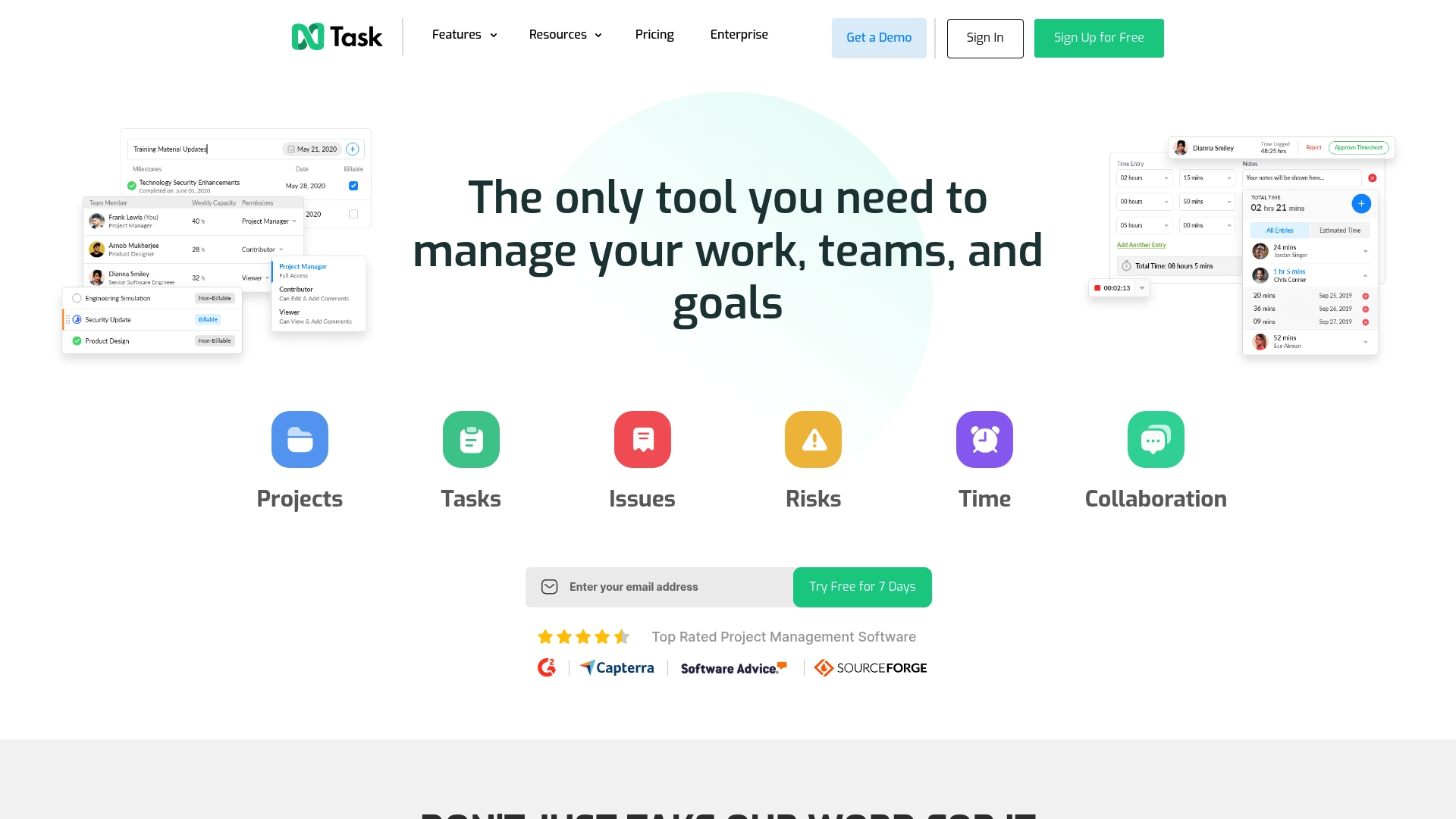
Starts at $3/month for individual plans billed annually, with a free plan for small teams up to five users and a 7-day trial that does not require a credit card. The pricing makes it easy to test core project features without a large upfront commitment.
Core Features
nTask bundles Gantt charts, Kanban boards, issue tracking, time tracking, meeting management, and a risk matrix into a single interface. You get both visual planning and risk controls in the same workspace.
- Gantt charts and Kanban boards for schedule and flow control.
- Time tracking and timesheets for resource oversight.
- Risk management tools that attach mitigation plans to tasks.
Finish a plan and switch views without exporting data.
Key Differentiator
nTask positions itself as an affordable all-in-one project manager that includes risk and issue tracking alongside standard scheduling tools. That mix is unusual at this price point and appeals to teams that want planning plus basic governance without buying separate modules.
Pros
-
Feature-rich for the price: Gantt, Kanban, time tracking, and risk management are available without upgrading to an expensive tier.
-
Flexible planning: bulk edits, unlimited boards, and custom workflows let you adapt the tool to campaign or product work.
-
Integrations: connects with Slack, Microsoft Teams, Google Calendar, Zoom, and Zapier so your communication and calendar tools stay in sync.
-
Discounts available for nonprofits and startups, which lowers the barrier for small organizations.
Cons
-
Customer support responsiveness is reported as inconsistent, which can stretch resolution times when you hit billing or technical issues.
-
Billing problems including unwanted automatic renewals have been flagged by users; review invoices carefully when you subscribe.
-
The interface can feel cluttered for complex projects, and occasional glitches affect stability during heavy use.
When It May Not Fit
If your team requires enterprise-grade SLAs or a dedicated account manager for fast support responses, nTask’s reported support limitations make it a risky primary choice. Also avoid it if your projects rely on finely tuned, large-scale resource planning that demands flawless stability.
Notable Integrations
- Slack
- Microsoft Teams
- Google Calendar
- Zoom
- Zapier
These connectors cover chat, meetings, calendar sync, and automation workflows without inventing custom integrations.
Who It's For
Small to medium teams and organizations that need a broad set of project controls without enterprise pricing. Ideal for marketing teams, small agencies, and operations groups that want scheduling, tracking, and basic risk oversight in one place.
Real World Use Case
A four-person marketing team uses nTask to map campaign timelines in Gantt, track deliverables on Kanban, log time on tasks, and surface campaign risks in the risk matrix. Integrations push deadlines to Google Calendar and notifications to Slack.
Pricing
Starts at $3/month for individual plans when billed annually. Team and enterprise tiers increase with seats and enterprise features. A free plan covers teams up to five users, and a 7-day trial is available without a credit card.
Website: https://ntaskmanager.com
Remindably
At a Glance
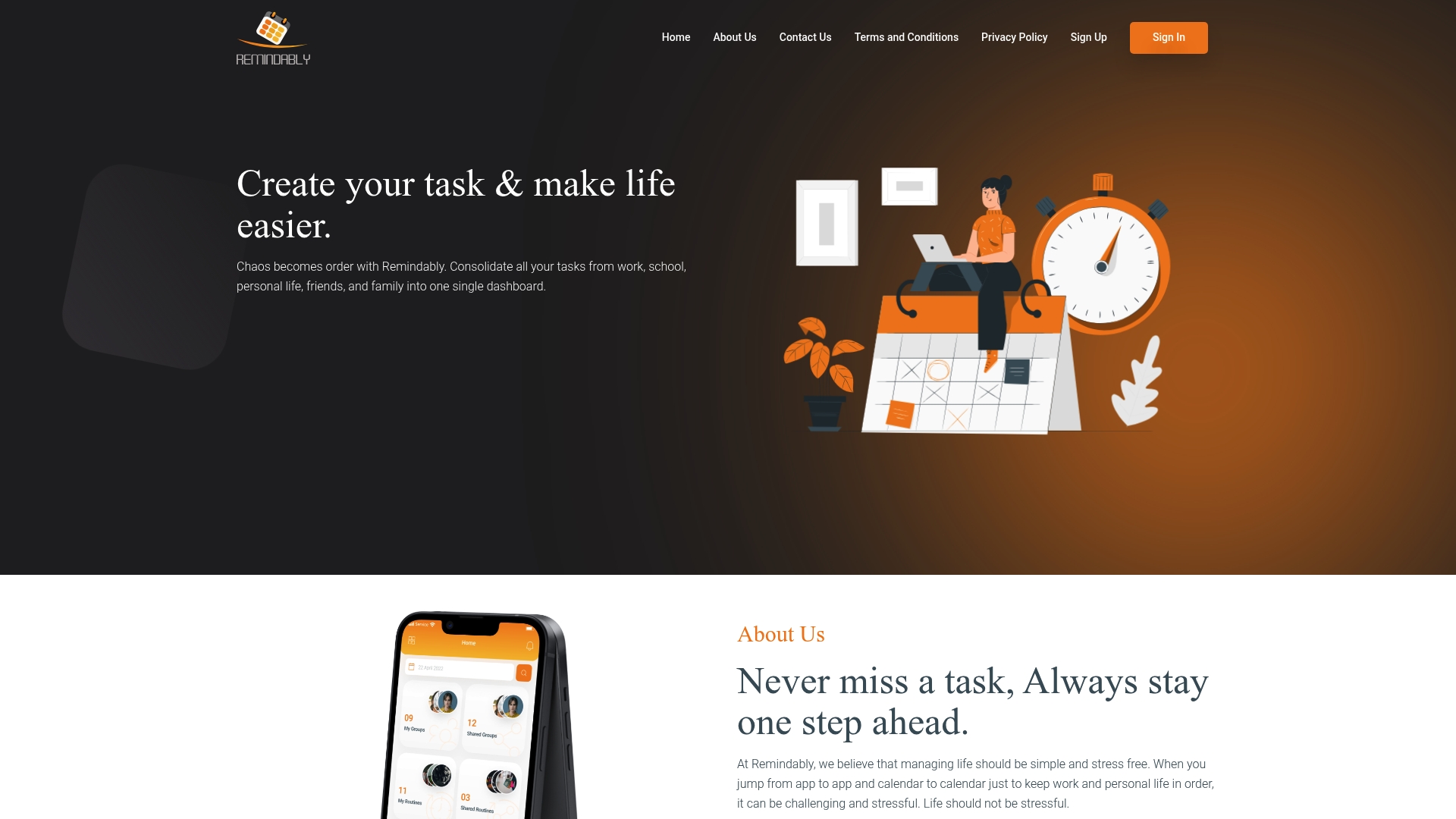
Third-party reviews report mixed satisfaction, praising Remindably's reminder features while flagging unreliable uptime and slow customer support. The product combines scheduling, note sharing, and community routines into a single dashboard aimed at everyday life organization across web and mobile.
Core Features
- Consolidated dashboard that centralizes tasks, reminders, and notes so you see personal and shared obligations in one place.
- Task grouping for family, work, recreation, and friends that keeps categories separate but visible.
- Schedule and recurrence options for bills, habits, and repeated chores with easy setup.
- Community-shared routines users can import or customize for habits and household workflows.
- Cross-platform access on web and mobile with most core features mirrored across devices.
Key Differentiator
The product's angle is an all-in-one dashboard that blends task scheduling with note sharing and community routines. Compared with Remoe, Remindably targets individuals and small groups who want community-driven routines and a single place for reminders rather than a broader life management suite.
Pros
- Convenient interface for reminders and routines helps you move recurring items out of your head and into a visible schedule.
- Effective for coordinating shared responsibilities so family or roommates stop missing appointments and chores.
- Recurring reminders are quick to set up which reduces repetitive setup work for weekly or monthly tasks.
- Accessible on both web and mobile which means you can check or update lists from a browser or on the go.
- Pulls multiple life responsibilities into one source so you spend less time switching apps.
Cons
- Users report unreliable service uptime which interrupts reminders and undermines trust in time‑sensitive alerts.
- Customer support responsiveness is poor and delayed according to third-party feedback, making problem resolution slow.
- Managing contracts or formal documents inside the app can be awkward and not well supported.
- Integrations are limited or undocumented, so connecting to calendars or finance apps may require manual workarounds.
When It May Not Fit
If you rely on rock-solid uptime for medicine schedules or strict billing reminders, the reliability concerns above make Remindably a risky single point of failure. Teams that need prompt vendor support or deep integrations with calendars and accounting tools will find the product constraining.
Who It's For
Individuals and small groups who want to organize personal and shared tasks with community routines. Good for parents, roommates, and small social circles that value easy shared checklists and habit templates over enterprise features.
Real World Use Case
A family uses Remindably to coordinate chores, pediatrician appointments, and bill reminders. They import a community exercise routine for weekend workouts, share grocery lists, and set monthly recurrence for utilities so fewer things slip through the cracks.
Website: https://remindably.com
Comparing Task Management Tools
When choosing the right task management solution, recognizing the unique strengths and areas of improvement among various options helps align product capabilities with specific user needs.
Feature Sets and User-Focused Benefits
ReMoe introduces a distinct approach with its date extraction from photos for event notifications. Its feature appeals to individuals managing personal reminders efficiently, leveraging AI for automatic detail retrieval. While ReMoe keeps workflows short and affordable, TaskOPad offers more tools for operations teams, enabling real-time tracking and automated approval routing, making it suitable for process-heavy environments. Contrasting this, MagicTask emphasizes enhancing group task engagement through gamification, which could increase participation rates in team settings.
Accessibility and Onboarding
nTask provides cost-effective entry plans including a free tier perfect for small teams, making it accessible for users with limited budgets. Cubicl, on the other hand, combines task management with CRM integration, addressing multi-faceted needs for client-oriented teams, albeit at a higher per-user cost which might deter smaller groups. Meanwhile, Remindably excels in creating a centralized dashboard for task and routine sharing but suffers from intermittent reliability issues raised in user reviews, which could affect trust in critical use cases like medication schedules.
Best Fit Recommendations
- For individuals seeking brief workflows through photo extraction and automatic scheduling reminders, ReMoe fits as an affordable, cross-platform tool.
- Teams looking to enhance daily task engagement via gamification will benefit from MagicTask's themed narrative models and lightweight adoption.
- Medium-scale organizations aiming to streamline task oversight and client handling can explore Cubicl for its collaborative context combining Kanban boards and CRM.
- Compliance or operations-heavy departments would excel with TaskOPad, leveraging its visibility and automation elements.
- Startups that prioritize visual planning alongside risk tracking should consider nTask, which balances feature breadth with accessible pricing tiers.
Our Pick
ReMoe stands out for those who prioritize simplicity and affordability in managing personal deadlines without complex operational dependencies. With its annual pricing of $1.99 as quoted in the reviews, it is ideal for lightweight reminders across diverse platforms, though users needing extensive team functionality might find better alignment in options like MagicTask or TaskOPad.
Task Management Applications Overview
Discover the core features and strengths of top task management applications to find the best fit for your organizational needs.
| Product | Key Differentiator | Best For | Pricing | Notable Limitation |
|---|---|---|---|---|
| ReMoe | AI-powered date and detail extraction | Individuals needing quick, low-cost reminders | $1.99 per year | Requires high-quality images for optimal accuracy |
| MagicTask | Gamified task realm design | Teams seeking gamification in task engagement | Not disclosed | No publicly available third-party reviews |
| TaskOPad | Task and operational workflow integration | Organizations needing process transparency | Not disclosed | Feature complexity may overwhelm solo users |
| Cubicl | Unified task and CRM management | Small teams wanting combined project tracking | From ~128 TL/user/month | Complex pricing structure for larger teams |
| nTask | Affordably integrated risk and task features | Small teams requiring budget governance tools | Starts at $3/month | Customer support inconsistency |
| Remindably | Dashboard combining tasks and reminders | Families sharing schedules and routines | Not disclosed | Users report unreliable service uptime |
Take Control of Your Daily Reminders with Remoe
If you struggle with keeping track of bills, appointments, or important daily tasks like medication and school schedules, this article highlights a common challenge that many face: missing crucial reminders and juggling multiple tools. Remoe offers a simple solution that gathers all your reminders in one place, using AI-powered extraction to convert photos and screenshots into timely alerts so nothing slips through the cracks.
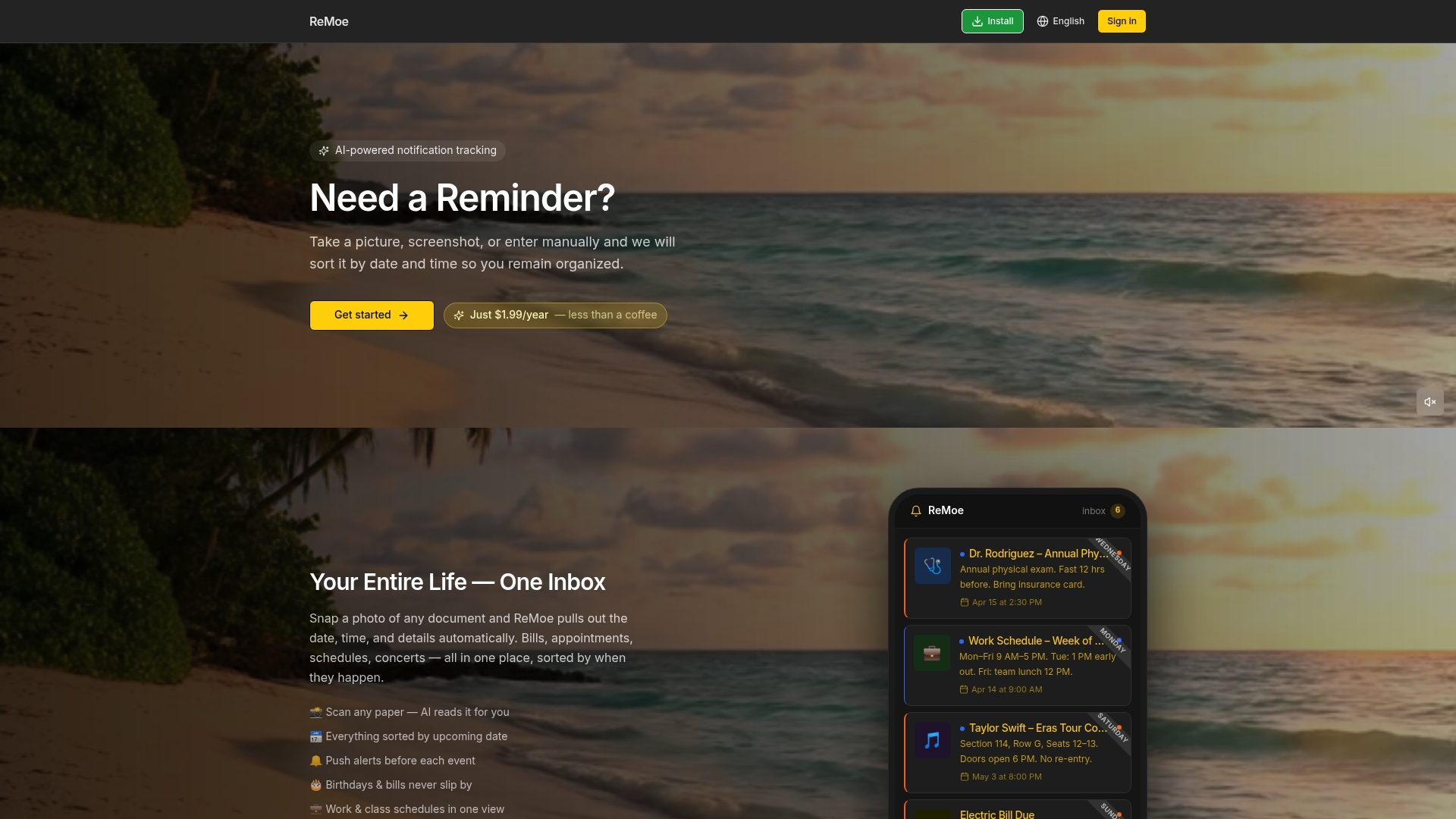
Discover how Remoe can simplify your life by letting you capture deadlines effortlessly and receive push notifications that keep you ahead of your commitments. Stay organized without the hassle of manual entry or expensive subscriptions. Visit Remoe and see how one low annual fee unlocks reliable reminders for your whole life in one place. Snap your first reminder today and experience stress-free time management.
Frequently Asked Questions
How does Remoe's reminder system improve my organization?
Remoe automates reminders by extracting dates and details from scanned documents. Its AI extracts date, time, and details automatically, helping you manage bills and appointments efficiently. Users can enjoy a streamlined approach to keeping track of important reminders without manual entry.
What is the difference between Remoe and MagicTask in terms of user engagement?
MagicTask effectively engages users through gamified task management, making routine work feel like play while encouraging team participation. In contrast, Remoe simplifies the process for individuals by converting images of bills and schedules into reminders, which is ideal for users who collect paper receipts without needing complex task management features.
Which platform offers better multi-language support for users?
Remoe supports 24 languages, enabling users who receive documents in various languages to utilize the app effectively. This feature makes it particularly beneficial for a diverse range of users, ensuring accessibility and usability across different languages.
Can I use Remoe for both personal and work-related reminders?
Yes, Remoe is designed for individuals who want a low-cost solution to manage personal and work-related reminders without requiring a task manager. The app facilitates capturing both types of reminders, helping you avoid missing bills or appointments in a single, organized platform.
How much does Remoe cost compared to other alternatives in the market?
Remoe is priced at only $1.99 per year, making it an extremely budget-friendly option among reminder tools. This low annual fee provides continuous access to its features, unlike many competitors that charge monthly subscriptions.
Does Remoe provide push notifications for upcoming events?
Yes, Remoe sends push notifications for upcoming events, consolidating all reminders in a single inbox for bills, shifts, and appointments. This feature ensures you don't miss important deadlines and can plan ahead effectively.