
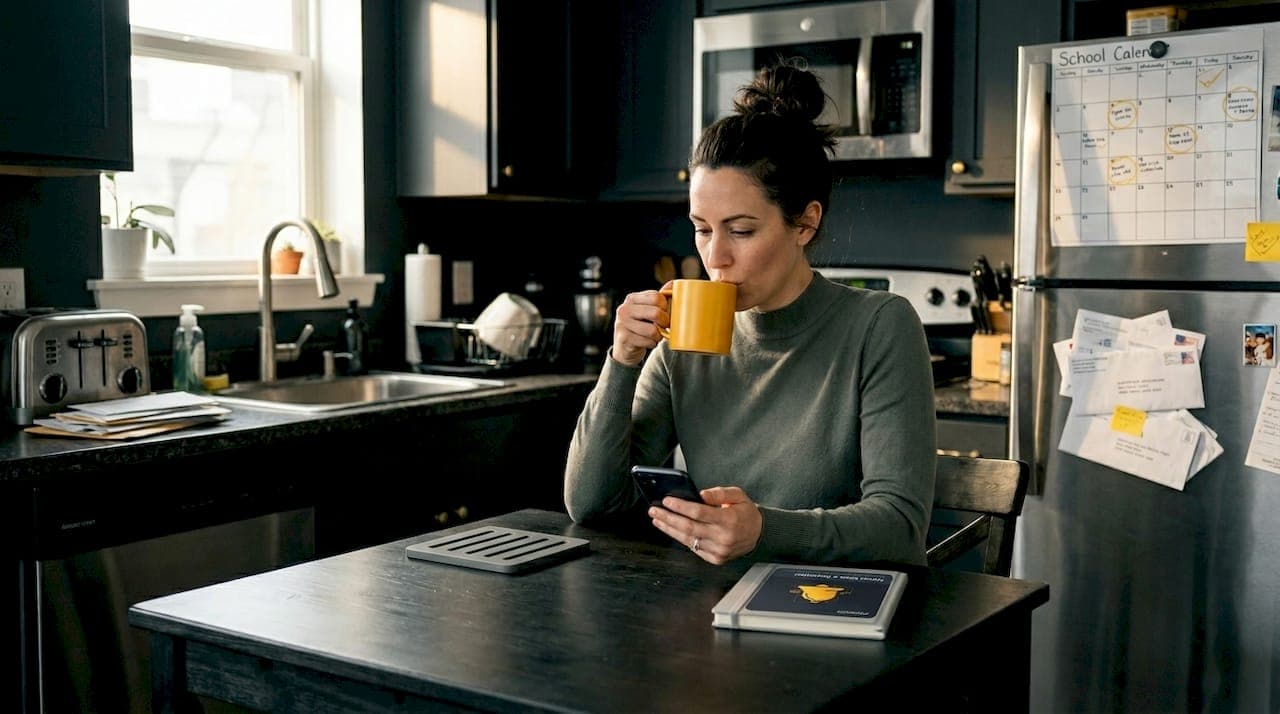
You set a reminder. Your phone buzzes. You swipe it away without reading it. Sound familiar? Generic alerts are everywhere, and most of us have trained ourselves to ignore them. But there's a version of reminders that actually works: one that knows your name, your schedule, and exactly what you need to hear. Personalized emails see 29% higher open rates than generic ones, and the same principle applies to every kind of reminder you rely on. This guide breaks down what personalized reminders are, how they work, and why they're a game-changer for busy parents, older adults, and anyone who can't afford to forget what matters most.
Table of Contents
- What exactly is a personalized reminder?
- Key features and delivery methods explained
- Why personalization works: The science and real-world results
- Common pitfalls and personalization challenges
- Why the right reminders are more than just tech
- Take the next step: Simplify your life with personalized reminders
- Frequently asked questions
Key Takeaways
| Point | Details |
|---|---|
| Definition clarified | A personalized reminder adapts to your life—delivering alerts tuned to your habits, preferences, and schedule. |
| Why it works | Personalized reminders outperform generic ones for daily essentials by boosting engagement and adherence. |
| Accessibility matters | Multi-modal delivery and low-tech options make personalized reminders more reliable for all, especially the elderly. |
| Smart setup tips | Effective reminders balance customization with simplicity; avoid overloading or creating notification fatigue. |
| Best tasks to personalize | Personalize important reminders for bills, medication, and appointments—use generic reminders for simple tasks. |
What exactly is a personalized reminder?
With the problem now clear, let's break down exactly what personalized reminders are and how they're different from the generic alerts many people ignore.
A personalized reminder is an alert that's been shaped around you. It's not just a notification that pops up at a random time. It's a message that carries your name, references a specific task, arrives on the channel you actually use, and shows up at the moment you're most likely to act on it. In short, it feels relevant because it is relevant.
Generic reminders, by contrast, are one-size-fits-all. They say something like "Don't forget your appointment" and leave it at that. They don't know if you prefer texts over app alerts, if you take your medication in the evening, or if Tuesday is school pickup day for your kids. They fire off and hope for the best.
Personalized reminders, on the other hand, are built with user-set criteria, recurring schedules, multi-channel delivery, confirmation, and escalation baked in. That means you decide what the reminder is for, how often it repeats, how it reaches you, and whether it needs to follow up if you don't respond.
How personalized reminders look in real life
Here are some everyday examples that hit close to home for most people:
- Medication reminders: "Hi Maria, it's 8:00 PM. Time to take your blood pressure pill."
- Bill due dates: "Your electricity bill is due in 3 days. Log in to pay before Friday."
- Child pick-up: "School ends in 30 minutes. Head out to pick up Jake."
- Doctor appointments: "Tomorrow at 10:00 AM you have a checkup with Dr. Patel at Riverside Clinic."
- Car seat check: A location-based alert that nudges you the moment you park, reminding you to check the back seat.
These reminders free up mental space by offloading the cognitive work of remembering. You don't need to keep everything in your head when a system you trust has it covered.
| Feature | Generic reminder | Personalized reminder |
|---|---|---|
| Name/context | No | Yes |
| Custom timing | No | Yes |
| Channel choice | Limited | Voice, SMS, app, email |
| Recurring schedules | Basic | Fully customizable |
| Escalation if no response | No | Yes |
| Task-specific details | No | Yes |
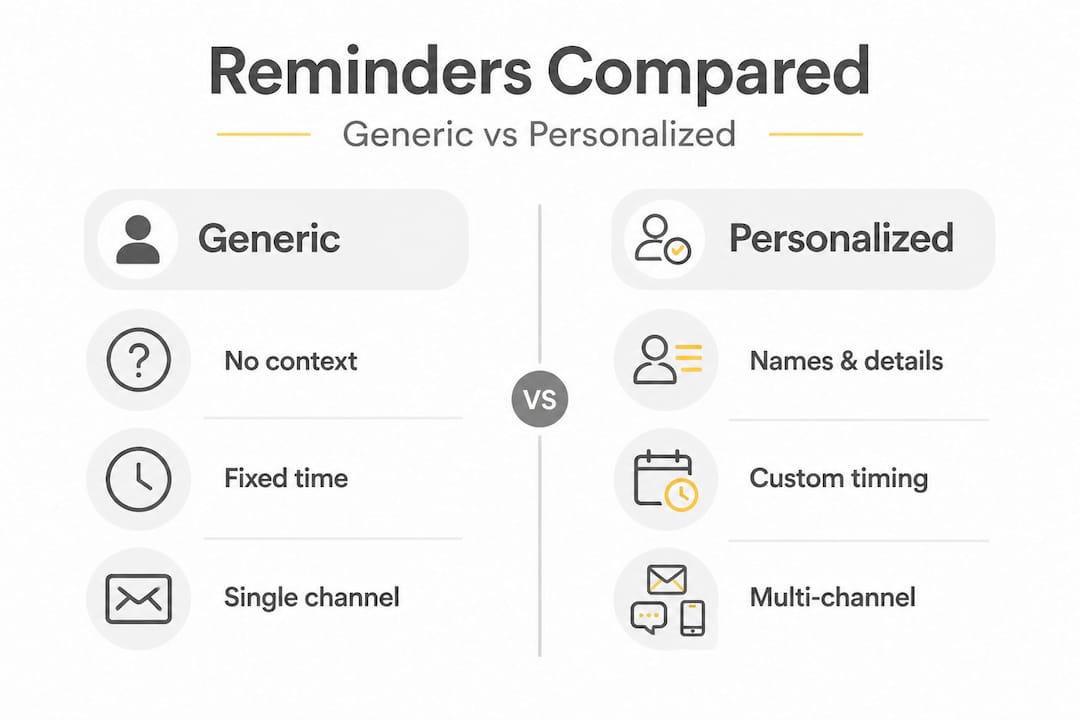
The difference isn't minor. It's the difference between an alert you ignore and one that actually prompts action.
Key features and delivery methods explained
Once we understand what personalized reminders are, it's crucial to see how they operate and why the delivery method matters.
Not all reminders are built the same. A reminder system's power comes from how well it fits into your life. The best systems offer all-in-one reminders that consolidate every task into one place, rather than scattering alerts across five different apps.
Core delivery channels
According to accessibility standards, multi-channel delivery via voice, SMS, and apps is a cornerstone of effective reminder systems. Here's what each channel offers:
- Voice calls: Best for older adults who may not check apps frequently. A phone rings, a voice message plays. Simple and hard to miss.
- SMS text messages: Widely accessible, no app download required, works on basic phones and smartphones alike.
- App push notifications: Ideal for smartphone users who want instant, on-screen nudges with quick action buttons.
- Email reminders: Useful for longer lead times, like a bill due in a week, where you need more detail.
Research confirms that multi-modal, accessible delivery is especially critical for elderly users and busy parents who may not have time to check every platform consistently. A grandparent with a basic cell phone needs SMS. A parent rushing through school drop-off needs a phone buzz, not an email.
What good personalization actually looks like
Think of a solid multi-reminder system as having four pillars:
- Recipient customization: The reminder is addressed to the right person and references the right task.
- Schedule flexibility: You can set it daily, weekly, monthly, or even once on a specific date and time.
- Medium selection: You choose how you want to be reached.
- Response tracking: The system notes if you confirmed or dismissed the reminder and can escalate if you didn't respond.
| User type | Best channel | Key reminder needs |
|---|---|---|
| Busy parent | App push + SMS | School schedules, child safety, bills |
| Elderly user | Voice call + SMS | Medication, appointments, bills |
| Caregiver | App push + email | Medication refills, specialist visits |
| General adult | App push | Gym, grocery, payments |
Pro Tip: Set at least two delivery channels for your most critical reminders. If your app notification gets swiped away, an SMS backup ensures the message still gets through.
The goal is not to overwhelm you with alerts. It's to catch your attention once, at the right moment, in the right way. That's what separates a useful tool from digital noise.
Why personalization works: The science and real-world results
Now that features are clear, it's time to spotlight why these tools actually make a difference and back it with real data.
Here's a number worth pausing on: personalized reminders improve adherence scores in medication management, with statistically significant results (p=0.016) in clinical studies using the MMAS-8 measurement scale. That's a meaningful, measurable improvement in whether patients actually take their medication as prescribed.
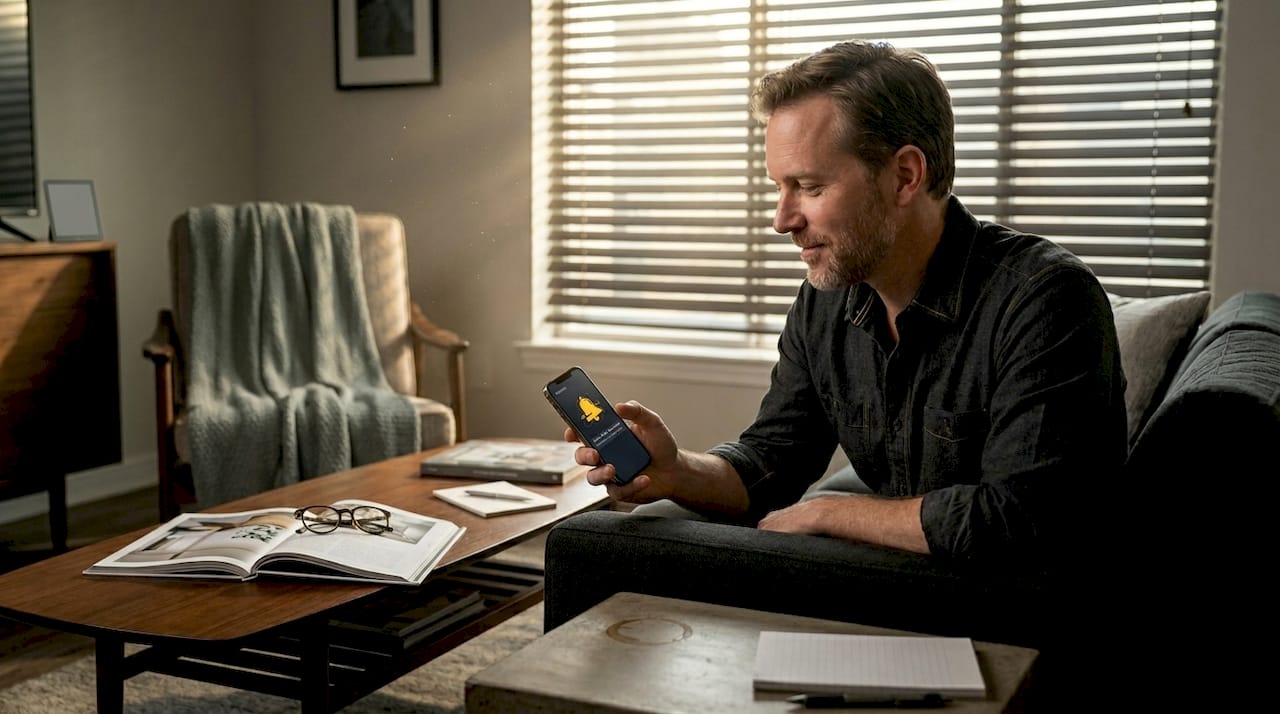
Why does personalization work so well? Because your brain responds to relevance. When a reminder feels like it was made for you, it registers as important rather than noise. A message that says "Time for your 7 PM blood pressure medication, David" lands differently than a generic buzz that says "Medication reminder."
"Personalization works because it matches the message to the individual's context, not just their name. When timing, content, and format align with user expectations, engagement follows naturally." This thinking is well-supported across healthcare, education, and productivity research alike.
Generic reminders are fine for simple tasks, like a basic grocery list ping, but for anything that's recurring, health-related, or safety-critical, personalization consistently outperforms standard alerts. The stakes are simply too high for a one-size-fits-all approach.
When to use personalized vs. generic reminders
- Use personalized reminders for: Daily medication, recurring bill payments, child pick-up times, doctor appointments, school events, car seat checks, prescription refills
- Use generic reminders for: One-time tasks with low stakes, casual to-dos, simple grocery notes
- Avoid generic reminders for: Anything involving a child's safety, health management, or financial deadlines
For parents, reminders that protect children's safety need to be personal, specific, and timed precisely. A generic "check the car" alert with no context or timing is easy to dismiss. A location-triggered reminder that fires when you park at home is far harder to ignore.
The evidence is clear: personalization is not a luxury feature. For the tasks that matter most, it's a necessity.
Common pitfalls and personalization challenges
Even with all the upside, there are traps to avoid, especially for vulnerable users. Here's what you need to know.
Personalized reminders are powerful, but they can fail. Understanding how they fail is key to setting them up well.
The most common problem is over-alerting. When a system fires too many reminders, users start ignoring all of them, including the critical ones. This is sometimes called "alert fatigue," and it's a real risk. More reminders do not mean better results.
For users living with cognitive impairment or dementia, the challenge is deeper. Research shows that AI verification and co-design improve dementia care outcomes because standard reminder formats often cause confusion or stress rather than helping. A reminder that asks a person with dementia to "confirm" an action they don't remember being asked about can be frightening rather than helpful.
Technology access is another real barrier. Not everyone has a smartphone. Not everyone is comfortable with apps. Co-designing with older users and using context-aware triggers leads to much better outcomes than assuming everyone can use the same interface.
Pro Tip: Start with only your top three most critical reminders. Build the habit of responding to those before you add more. A lean, effective system beats an overwhelming one every time.
How to handle common edge cases
- For elderly users: Choose voice calls as the primary channel and keep messages short, friendly, and direct. Avoid technical language.
- For users with cognitive challenges: Work with a caregiver to set up reminders together. Use simple language and avoid asking for complex responses.
- For over-alerting: Audit your reminders every two weeks. Remove anything you've dismissed more than three times without acting on it.
- For tech-resistant users: SMS and voice options remove the need for app knowledge or Wi-Fi connectivity.
- For caregivers: Balance automation with human oversight so reminders feel supportive rather than robotic.
A good daily habit checklist guide can also help you figure out which tasks genuinely need a reminder and which ones you've already got under control. And for anything involving documents, a solid important documents reminder process ensures nothing critical slips through the cracks.
Personalization is only as good as the thought that goes into it. The best reminder systems are built carefully, not quickly.
Why the right reminders are more than just tech
Here's something most reminder app articles won't tell you: more features don't automatically mean better outcomes. In fact, the most common reason personalized reminder systems fail isn't a technical glitch. It's that they were designed without asking the user what they actually need.
We've seen this pattern repeatedly. A well-meaning caregiver sets up an elaborate reminder system for an elderly parent, complete with multiple daily alerts, confirmation prompts, and escalating follow-ups. The parent feels monitored, stressed, and eventually starts dismissing everything. The tech was fine. The approach wasn't.
True personalization means starting with the person, not the feature list. What do they find helpful? When are they most alert and able to act on a reminder? What language feels natural to them? These questions matter more than whether your system supports five delivery channels.
The concept of co-design, where users are involved in building the system that serves them, is not just a research buzzword. It's a practical strategy that leads to reminders people actually use. A reminder built with someone will always outperform one built for them from the outside.
There's also a respect angle here that often gets overlooked. Nobody wants to feel like they're being managed. A good reminder system feels like a helpful friend who knows your life, not a nagging supervisor tracking your every move. That tone difference, in how the message is written and when it arrives, shapes whether people feel supported or surveilled.
At Remoe, we believe your whole life deserves to be held in one place, not scattered across sticky notes, calendar apps, and half-remembered mental lists. The right reminder respects your time, your habits, and your attention. Less clutter. More clarity. That's the goal. Explore a thoughtful reminder process best practices approach to see what that looks like in action.
Take the next step: Simplify your life with personalized reminders
Now that you know how real personalization works, here's how to put this insight to work for you.
Remoe was built for exactly the moments that matter most: the medication dose that can't be skipped, the bill due before the late fee hits, the school event your kid is counting on you to remember. Everything lives in one place so your brain doesn't have to hold it all.
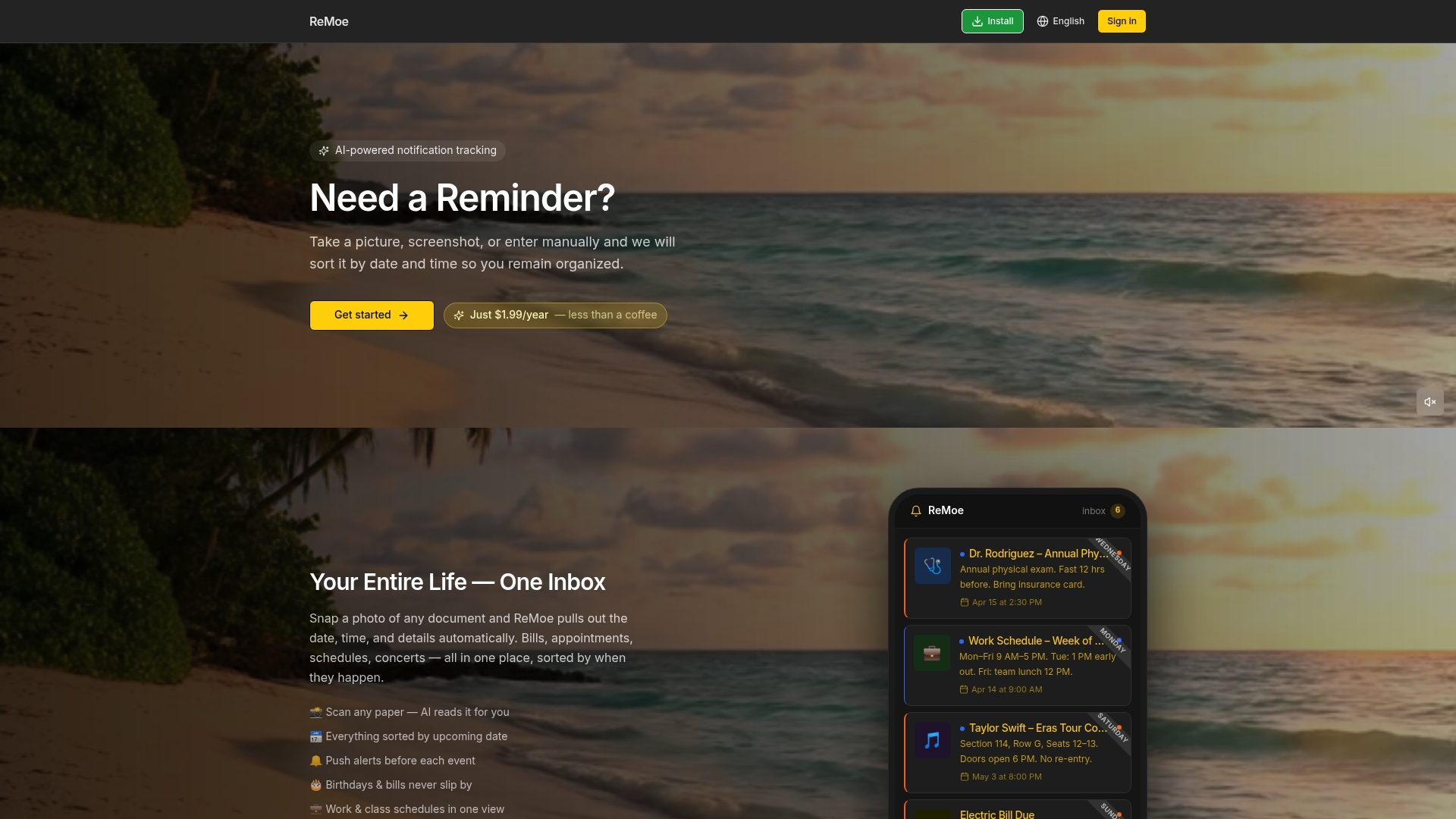
With Remoe, you get AI-powered reminders tailored to your schedule, your family's needs, and your preferred delivery channels. Whether you're a parent managing a packed school week or an older adult who prefers a phone call over an app buzz, Remoe fits around your life. Not the other way around. Check out flexible reminder app pricing and see how affordable peace of mind can be. Start today and never miss a reminder that matters again.
Frequently asked questions
What makes a reminder "personalized"?
A personalized reminder tailors its timing, content, and delivery method to match an individual's preferences, schedule, or needs, based on user-set criteria and schedules.
Are personalized reminders effective for medication management?
Yes, research shows that reminder apps improve adherence scores significantly, especially when messages are customized to the individual's routine and channel preference.
What channels can deliver personalized reminders?
Multi-channel delivery options include voice calls, SMS, app push notifications, and email, so reminders reach you on whatever platform you actually use.
Do older adults face barriers with digital reminders?
Some elderly users face real tech barriers, which is why multi-modal, low-tech delivery such as voice calls and SMS improves accessibility and reduces the frustration of learning new platforms.
When should I use a generic versus a personalized reminder?
Generic reminders suit simple, low-stakes tasks, while personalization is the better choice for recurring, health-related, or safety-critical needs where missed alerts carry real consequences.