

You look at your phone and see a notification: "Your appointment was 20 minutes ago." That sick feeling in your stomach? Most busy people know it well. Between school pickups, work calls, doctor visits, bill due dates, and everything else life throws at you, your brain simply cannot hold it all. Research shows that relying on internal memory alone is one of the least effective strategies for a packed schedule. The good news is that practical, proven systems exist to make missed appointments a thing of the past.
Table of Contents
- Establish your non-negotiable appointment criteria
- Centralize your schedule with shared digital calendars
- Master multi-layered reminders for zero no-shows
- Boost reliability with external aids and healthy routines
- Bonus tips: Optimize for different situations and ages
- A fresh take: Why memory offloading beats willpower, for good reason
- Take the stress out of your schedule with ReMoe
- Frequently asked questions
Key Takeaways
| Point | Details |
|---|---|
| Centralize scheduling | A single digital or shared calendar prevents double-booking and lost details. |
| Use multi-layer reminders | Stacking reminders at several intervals dramatically lowers the risk of no-shows. |
| Offload memory tasks | Trusting external tools and review habits frees your brain for higher-level thinking. |
| Support memory with routines | Healthy sleep and small daily review rituals help your system work. |
Establish your non-negotiable appointment criteria
To solve that challenge, begin with a foundation: knowing which appointments truly matter.
Not all appointments carry the same weight. A dentist cleaning can be rescheduled. Your child's first day of school cannot. A work deadline missed by two hours may cost you a client. The smartest reminder systems start with a triage step where you classify what absolutely cannot slip through the cracks.
Here is how to identify your must-not-miss appointments:
- Medical and health appointments — doctor visits, medication refills, therapy sessions, and specialist follow-ups
- School-related events — parent-teacher conferences, pickup/drop-off schedule changes, field trip permission deadlines
- Financial commitments — bill due dates, mortgage payments, insurance renewals, and tax deadlines
- Work obligations — client meetings, project deadlines, performance reviews, and interviews
- Family commitments — birthday events, childcare arrangements, and shared responsibilities with a partner
Once you know what matters most, you need to track the right details for each event. That means more than just the date. Record the time, exact location, the name of the person you are meeting, any materials you need to bring, and any prep work required beforehand. This practice alone eliminates a huge source of last-minute stress.
A common pitfall is treating all appointments equally, which causes important ones to get buried under routine to-dos. Another is capturing incomplete information, so you know you have a 2 p.m. appointment but cannot remember where.
Pro Tip: Use mental space with reminders to your advantage. When you offload information to an external system, your brain is free to focus on actually doing things rather than tracking them. Think of it as freeing up RAM on a slow computer.
People managing older parents or family members who need scheduling support will find that technology for independent living can extend this same triage approach to an entire household, not just one person's calendar.
Centralize your schedule with shared digital calendars
With clear priorities, the next step is to give every crucial appointment a single, easy-to-check home.
The biggest scheduling mistake families and professionals make is scattering their appointments across multiple platforms: one doctor's card on the fridge, a school event in a text thread, a work meeting in an email, and a dentist visit on a sticky note. When your schedule lives in five places, something always falls through.
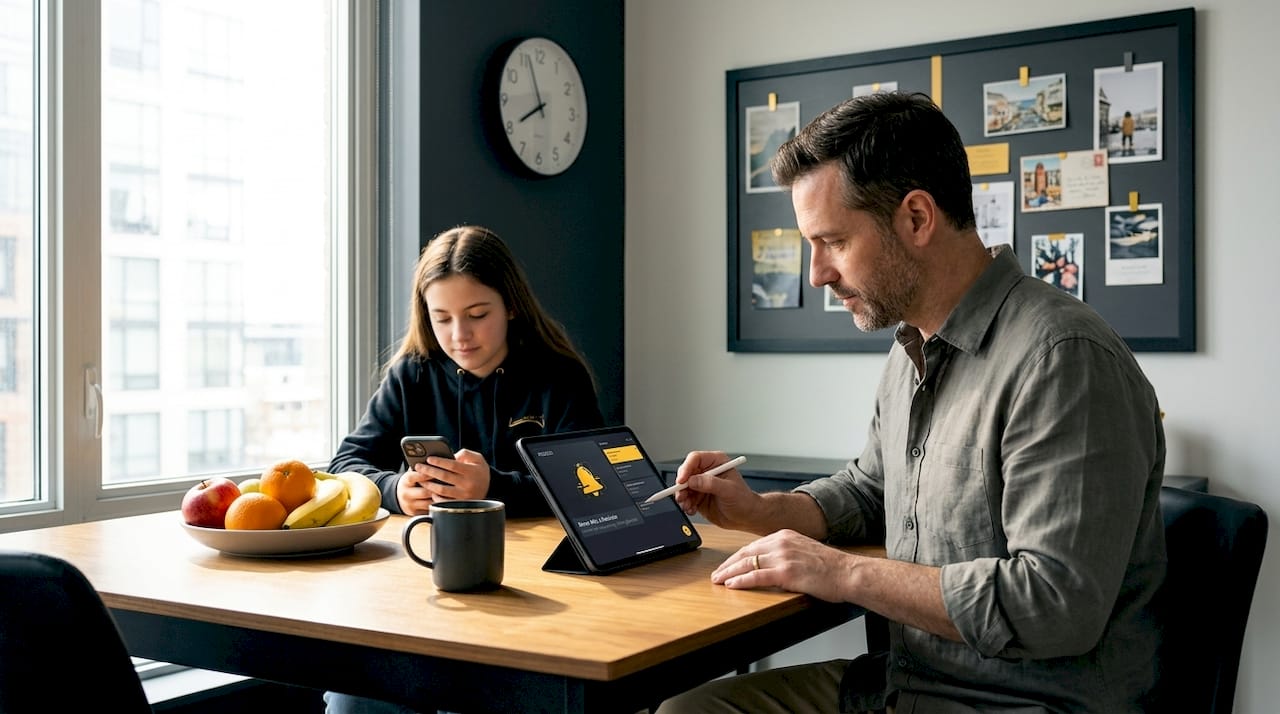
Centralizing appointments in one shared calendar or app, complete with date, time, location, provider name, and notes, is one of the most impactful changes a busy household can make.
Here is a practical setup process:
- Choose one platform and commit to it. It does not matter if it is a digital calendar or a physical planner as long as everyone who needs access can actually use it.
- Add every appointment immediately when it is scheduled. Waiting until later is how things get lost.
- Include all key details in the event notes: the provider's name, address, phone number, what to bring, and any prep steps.
- Share the calendar with a spouse, co-parent, or caregiver so no one is the single point of failure.
- Review the calendar every Sunday evening to mentally prepare for the week ahead.
"A central shared calendar is not just a scheduling tool. It is a communication tool. When everyone can see what is happening, nobody is blindsided by a forgotten commitment."
Here is a quick comparison to help you decide what system fits best:
| Feature | Digital calendar | Paper planner |
|---|---|---|
| Automatic reminders | Yes | No |
| Shareable with others | Yes | Rarely |
| Easy to update | Yes | Requires rewriting |
| Works without internet | No (usually) | Always |
| Best for | Families, professionals | Solo planners, low-tech users |
| Risk | Tech failure, notification fatigue | Easy to misplace or forget to check |
If you care for aging parents or coordinate a complex household, a caregiver schedule template can give you a ready-made structure to plug your appointments into without starting from scratch.
For families managing multiple schedules, exploring all-in-one reminders tools designed specifically for busy households can dramatically cut scheduling chaos.
Master multi-layered reminders for zero no-shows
Now that your appointments are centralized, maximize reliability with a reminder structure that supports busy lives.
One reminder is not enough. Life is loud. A single notification gets swiped away during a meeting, a school run, or a moment of distraction, and then it is gone. Research backs this up: reminders reduce no-shows by over 50%, and the more strategically timed they are, the better they work.
The proven approach is to set multiple automated reminders at these intervals:
- 2 to 3 days before — gives you time to prepare, arrange childcare, or adjust your work schedule
- 1 day before — a clear heads-up that prompts any last-minute logistics
- 1 to 8 hours before — a sharp, final alert when you are already in the zone for that day
According to the appointment reminders guide from Acuity Scheduling, the ideal combination is SMS, email, and app notifications used together. SMS gets opened fastest. Email provides a paper trail. App notifications tie into your existing routine.
Here is why layering channels matters: if you are a parent in the middle of a school pickup when a push notification fires, you might miss it. But if you also have an SMS message and an email from the night before, the chances of all three slipping past you drop dramatically.
| Reminder type | Best delivery time | Primary benefit |
|---|---|---|
| 2 to 3 days before | Includes full details, shareable | |
| SMS | 1 day before | High open rate, fast action |
| App notification | 1 to 8 hours before | Immediate visibility |
| Paper note or sticky | Day of | Backup for tech failures |
Pro Tip: For high-stakes appointments like medical procedures, legal meetings, or major work presentations, add a calendar block one week out just for prep. Treat that block as part of the appointment, not optional. A printable caregiver reminder schedule works well as a physical backup for households that want a screen-free option.
Learn how a guide to multi-reminder systems can help you build the right layering strategy for your specific lifestyle and cognitive load.
Boost reliability with external aids and healthy routines
Building on technical solutions, reinforce reliability using a holistic approach that works even when technology fails.
Here is the core truth: your brain was not designed to hold a modern adult's full schedule. A Harvard Health article on memory and external aids confirms that offloading to calendars and alarms consistently outperforms relying on internal memory strategies, especially for busy people managing multiple roles. This is not a weakness. It is cognitive science.
That said, technology fails. Phones die. Apps crash. Notifications get silenced during movies and forgotten. That is why combining digital tools with physical backups and healthy daily habits creates the most bulletproof system.
A working parent scenario worth picturing: you are managing a 7 a.m. school drop-off, a 9 a.m. conference call, and a 2:30 p.m. pediatric appointment. Your phone dies at noon. If your only backup is that phone, you are in trouble. But if you also have a sticky note on your laptop, a written entry in a planner, and a partner who received the same shared calendar invite, you are covered.
Here is how to build your physical and habitual backup system:
- Keep a paper planner or wall calendar updated weekly, even if you use digital tools daily.
- Write tomorrow's key appointments on a sticky note the night before and place it somewhere you cannot miss.
- Review your upcoming week every Sunday for 10 minutes. This habit alone has been shown to reduce scheduling surprises dramatically.
- Do a quick daily morning scan of your calendar before your day begins.
- Set a recurring weekly alarm labeled "check your schedule" if you tend to forget the review habit.
Lifestyle habits also play a measurable role. Research on prospective memory shows that sleep deprivation, chronic stress, and lack of exercise all reduce your ability to remember future intentions. Getting seven to nine hours of sleep, moving your body daily, and practicing even brief mindfulness exercises strengthen the cognitive systems that support recall.
"Your reminder system is only as strong as the habits you pair it with. Tools set the structure. Routines make it stick."
Explore building reliable reminder processes for a deep dive into creating systems that hold up even under high stress. And for families managing aging parents with memory challenges, resources on supporting memory loss offer compassionate, practical guidance that extends these principles further.
Bonus tips: Optimize for different situations and ages
To finish, consider personalized tactics for families and individuals whose needs go beyond the usual solutions.
Not every scheduling challenge looks the same. A solo professional has different needs than a parent managing three kids and two aging parents. Here are targeted strategies for different situations:
- For children: Use visual calendars with pictures rather than text. Pair appointment reminders with a ritual, like checking the calendar after breakfast. Research shows that reminders placed close to the event time and tied to specific cues (like a meal or a routine activity) are significantly more effective than distant, abstract reminders.
- For older adults: Simplify the system to one or two trusted reminders. A large-print wall calendar paired with a daily SMS reminder works better than a complicated app. Voice-activated reminders can also be a low-friction option.
- For groups and co-parenting situations: Use a shared family calendar everyone can edit. Schedule a brief family meeting each week to review the upcoming schedule together. This creates shared accountability rather than leaving one person to carry the mental load.
- For professionals with heavy cognitive loads: Batch your appointment reviews rather than checking your calendar reactively. Set two fixed calendar review blocks per day, once in the morning and once at midday.
- For parents with young children: Leverage wait times. The 10 minutes you spend waiting for school pickup or a doctor's office visit is perfect for reviewing the next 48 hours of your schedule and flagging anything that needs action.
Pro Tip: Habit stacking is one of the most underrated scheduling tools available. Attach your calendar review to something you already do automatically, like your morning coffee or brushing your teeth. Within two weeks, checking your schedule becomes automatic rather than effortful. For families, reminders for kids and families offers specific guidance on age-appropriate reminder strategies.
A fresh take: Why memory offloading beats willpower, for good reason
The most common advice people receive about missed appointments is some version of "just pay more attention." It sounds reasonable until you understand how the brain actually works under modern cognitive load.
We live in an era of near-constant information bombardment. Notifications, decisions, responsibilities, and interruptions compete for your attention every waking hour. Asking your brain to reliably hold a list of future obligations on top of all that is not a discipline problem. It is a design problem. The brain was simply not built for this.
Research from Harvard Health makes it clear: external tools like calendars and apps are the primary recommendation for busy individuals, not a fallback for people who lack willpower. Internal strategies like repeating things to yourself or forming intentions work well in low-load situations. But under real-world pressure? They buckle.
This reframing matters enormously for how you approach your own scheduling. When you miss an appointment because you relied on memory, that is not a character flaw. It is a system failure. And system failures require system fixes, not self-criticism.
The risk of over-automating is real, though. Becoming entirely passive, where you just wait for reminders to fire and never actually internalize your schedule, creates a fragile system. The best approach is automation plus awareness: let the tools do the heavy lifting, but do a human review at least once a week so you stay connected to your own life.
Using role-based reminders for stress reduction is one practical way to assign the right type of reminder to each role you play, whether that is parent, professional, caregiver, or partner. The goal is not to remember everything. It is to build a system that remembers for you, reliably.
Take the stress out of your schedule with ReMoe
Putting these strategies into action is easiest with tools built for busy people.
ReMoe was built specifically for the kind of life this article describes: full schedules, multiple roles, and too many things to hold in your head at once. Whether it is a prescription reminder, a school deadline, a bill due date, or a child left in a car after a long drive, ReMoe keeps everything in one place so nothing slips past you.
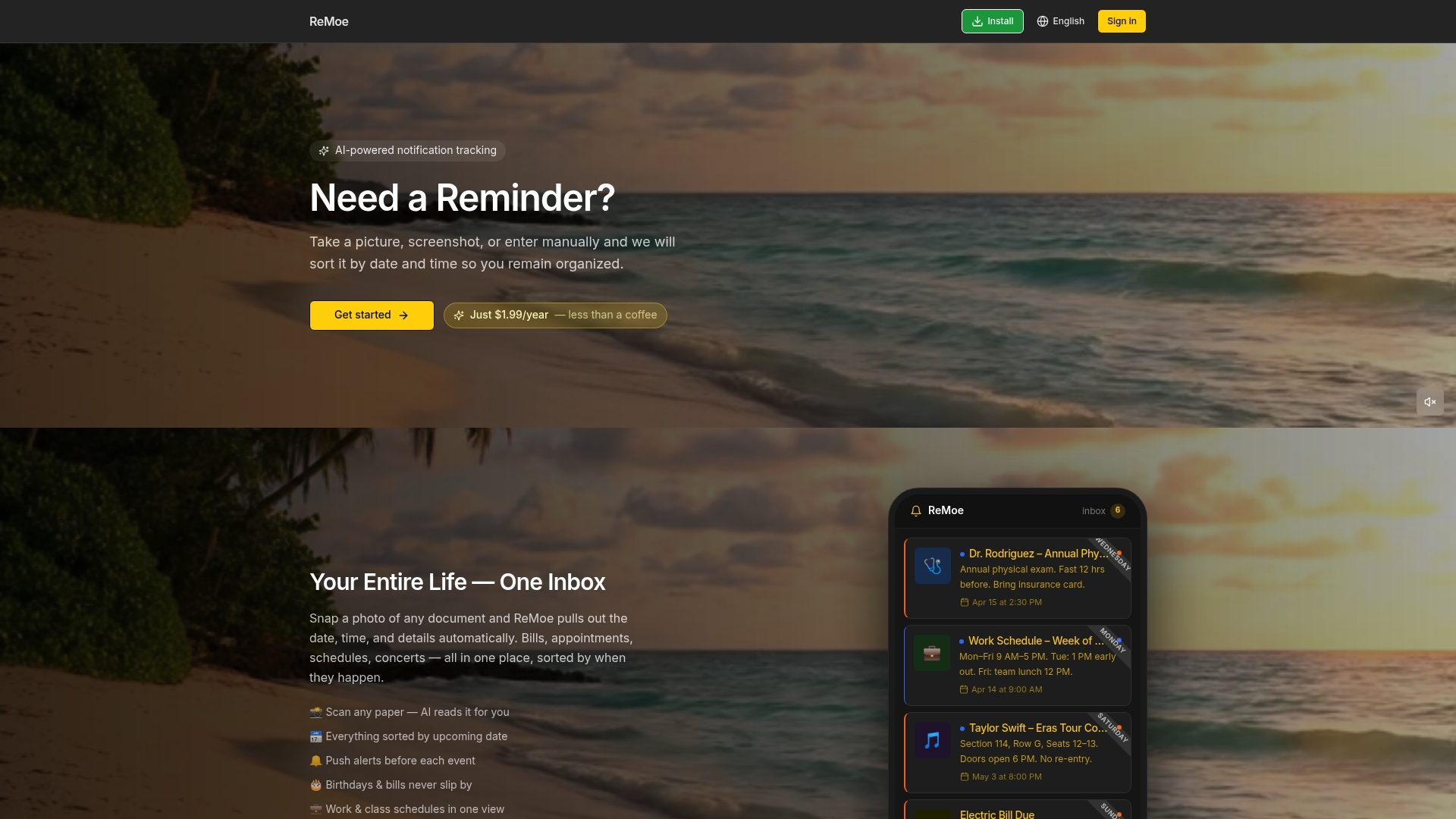
From all-in-one reminders for your whole household to flexible alert settings that meet your schedule where it is, ReMoe brings together the layered reminder approach this article describes into a single, simple app. You can see pricing and get started today without a complicated setup. Your whole life, in one place.
Frequently asked questions
What is the single most effective way to remember appointments?
Using a central digital calendar with multiple automated reminders is proven to reduce missed appointments most reliably, because it removes dependence on memory alone.
How many reminders should I set for each appointment?
Set at least two or three reminders at staggered times. The optimal timing is 2 to 3 days before, one day before, and 1 to 8 hours before the appointment.
Is it better to use paper planners or digital calendars?
Digital calendars offer automation and sharing advantages, but paper planners serve people who review schedules regularly and prefer a screen-free approach. Using both together is the most reliable option.
Can too many reminders become overwhelming?
Yes. The optimal reminder strategy is three well-timed alerts per event. More than that risks notification fatigue, where you start ignoring all alerts because they feel constant.
Does sleep or stress affect my ability to remember?
Absolutely. Poor sleep and chronic stress measurably reduce prospective memory, but external aids and routines compensate effectively and help you stay on track even during difficult periods.